










AI speeds up design work in CAD software
Text Tamara BrouwersImage Palette CAD

Three applications speed up design and presentation
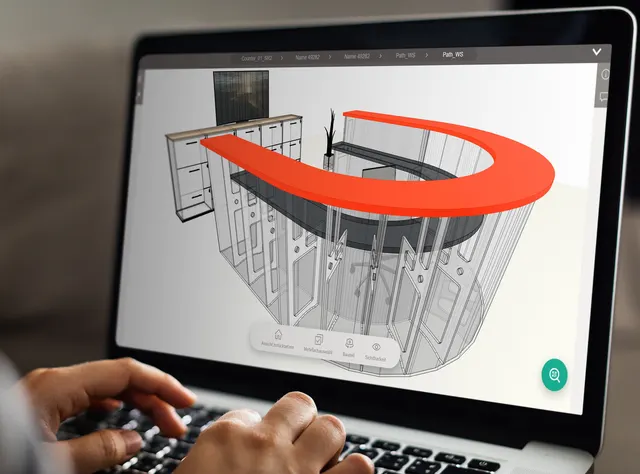
Palette CAD has introduced three AI features that speed up the design and preparation process. The features have been available for several months, but are still in the testing phase. According to marketing coordinator Christiaan Vondenhoff, the work remains a craft in substance, but some of the preparatory work is shifting to automation. “AI does not take over design decisions, but it does make the process significantly faster and more accessible.”
The three features, AI Floor Plan, AI Magic Touch and AI Material Finder, each focus on a different stage of the process: from the initial layout to presenting the design and choosing the right materials. According to Palette CAD, they reduce the time spent on laborious manual tasks.
From floor plan to a basic layout, faster
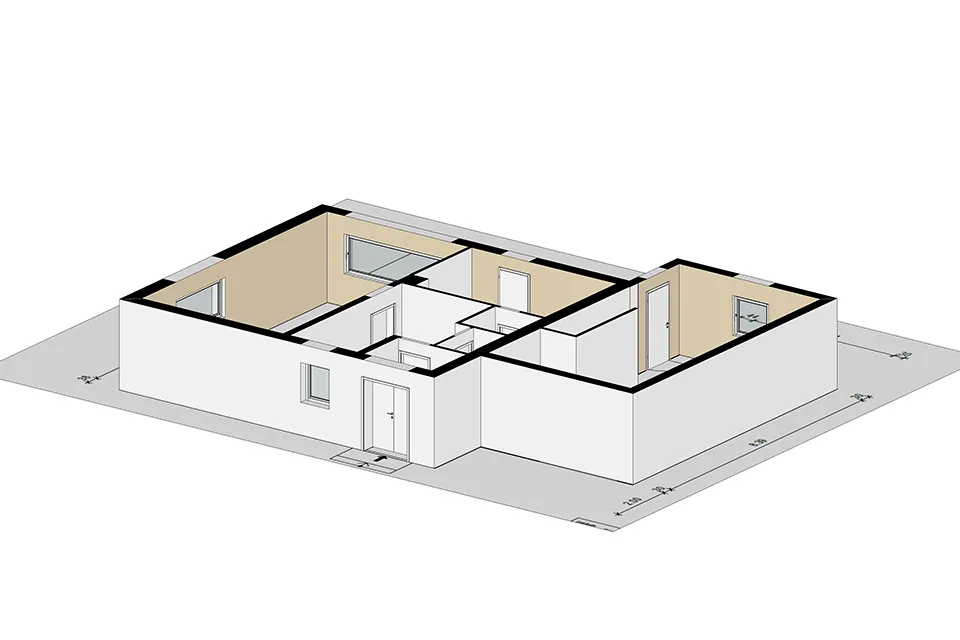
“The most immediate time saving comes from AI Floor Plan,” says Vondenhoff. “Interior fitters normally trace a floor plan by hand, but this feature automatically converts a supplied image or PDF file into a scale-accurate base. This could be a floor plan from a property listing or a platform such as Funda.”
AI Floor Plan thus provides the starting point for further development. “The software recognises walls and floors and converts them straight into a basic plan. You no longer have to draw in the walls; one line is all it takes to create the base.”
Presentation ready in no time
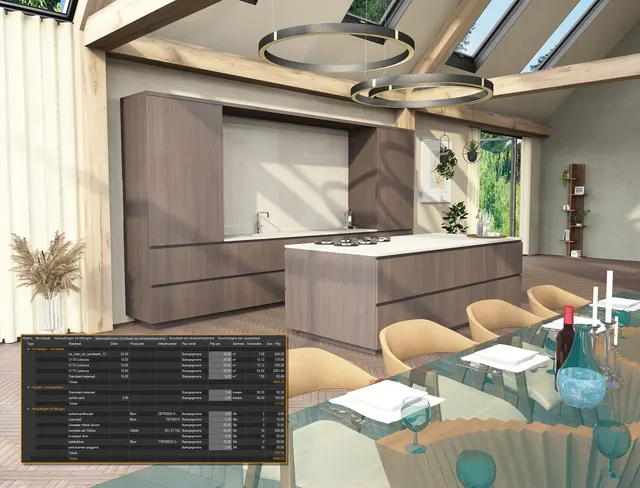
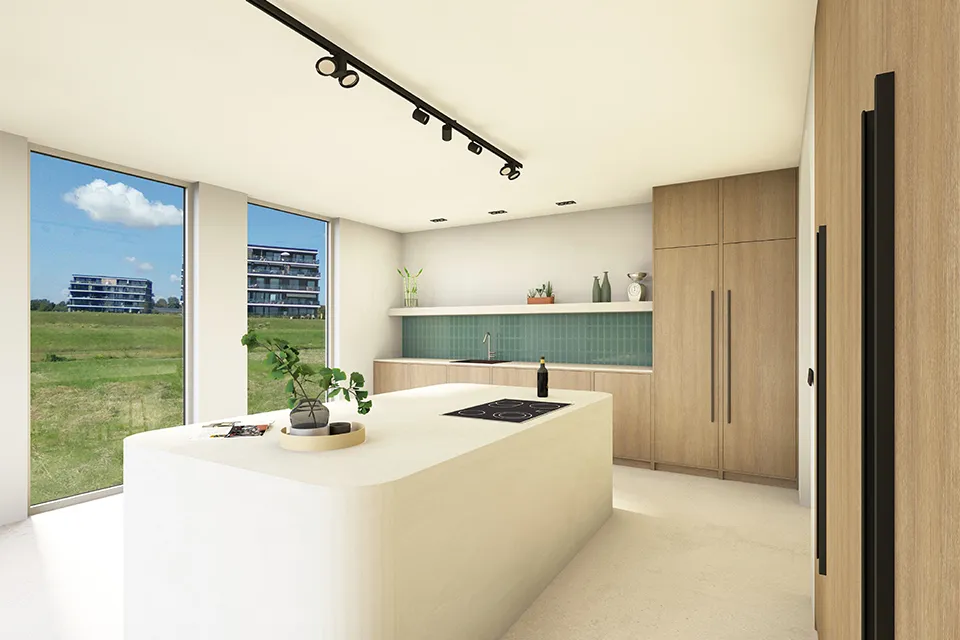
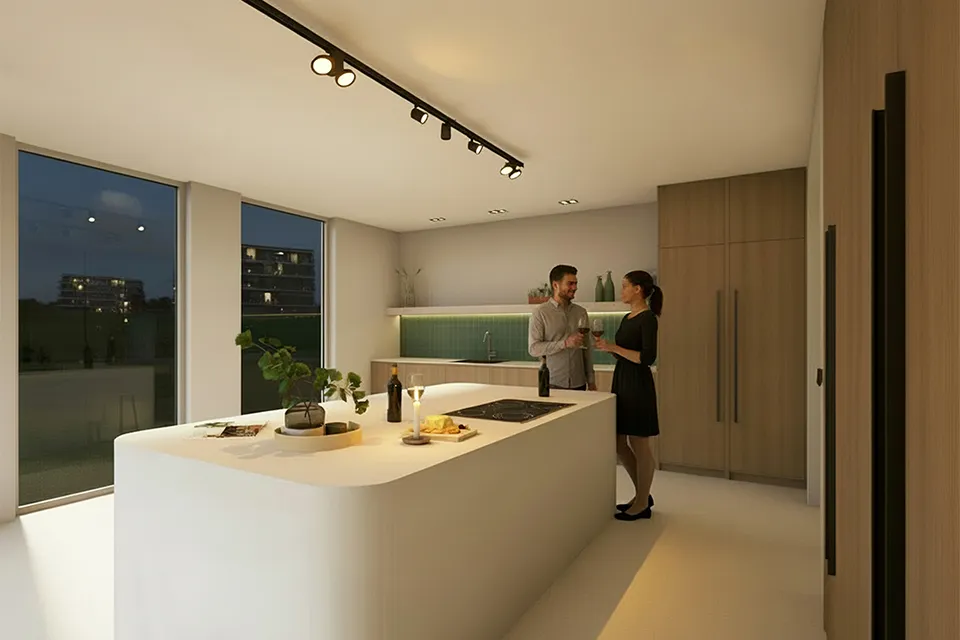
AI Magic Touch focuses on the final stage: presentation. Based on the existing Exposé rendering, the feature automatically adds finishing touches such as accessories, lighting and material accents. The original design and the underlying intelligence remain unaffected: the AI works only on the image that has been created. This quickly produces a complete visualisation for the client. Vondenhoff says the main benefit is speed. “Where it used to take an hour to dress a cabinet or room, it can now be done in a minute.” AI Magic Touch uses image recognition and is still in development. The feature has been available in Palette CAD for several months, is expected to become more widely available in the second half of 2026 and currently operates on a credit system.
Find materials by image
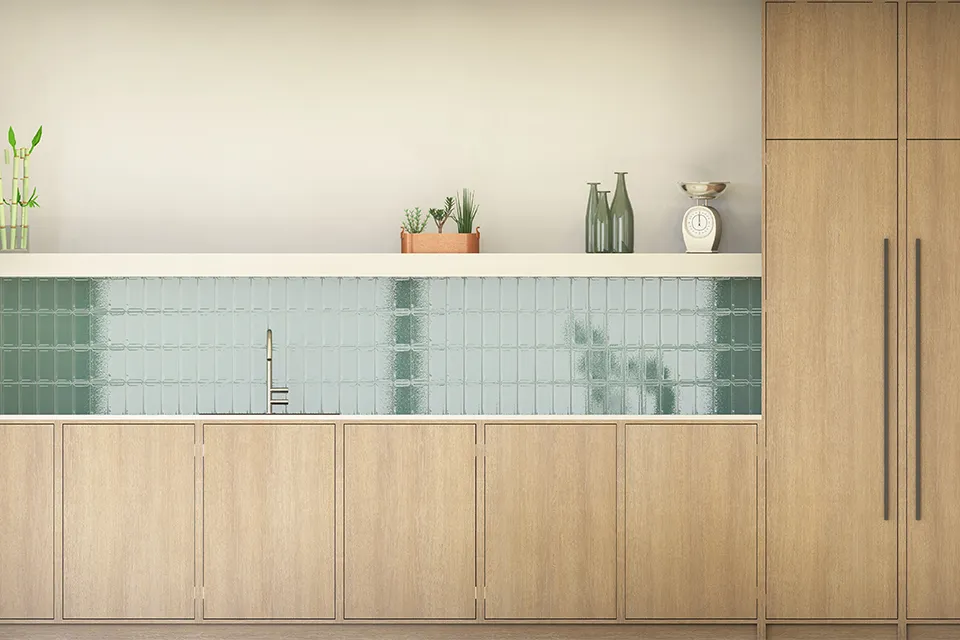
AI Material Finder shifts the focus to material selection. Using an image, for example of a fabric or surface, the software searches the library for similar materials. “Show Material Finder an image, such as one of a corduroy sofa, and it automatically finds all the materials that match. There’s no need to search through catalogues by hand.” AI Material Finder can be used in combination with Palette Service.
The three AI features are linked to the existing packages and are available from the Small Business package when used with Palette Service. AI Magic Touch also has a usage-based model: the feature uses AI tokens (ten tokens per application), which are purchased separately.
Visitors to InCoDa and the Hout Interieur Beurs can discover the possibilities of AI in Palette CAD. At InCoDa, the company will have a Palette AI stand, while the Hout Interieur Beurs will also feature all the other components of the software.
Have a business enquiry for PaletteCAD Nederland? Get in touch
Companies in this story

Keep following this
Get an email when a new story is published. No account needed.
- ThemeFrom site measurement to production
- SubjectSoftware & digitalisation
- CompanyPaletteCAD Nederland