










Automation with CAD-CAM software: how far does it really go?
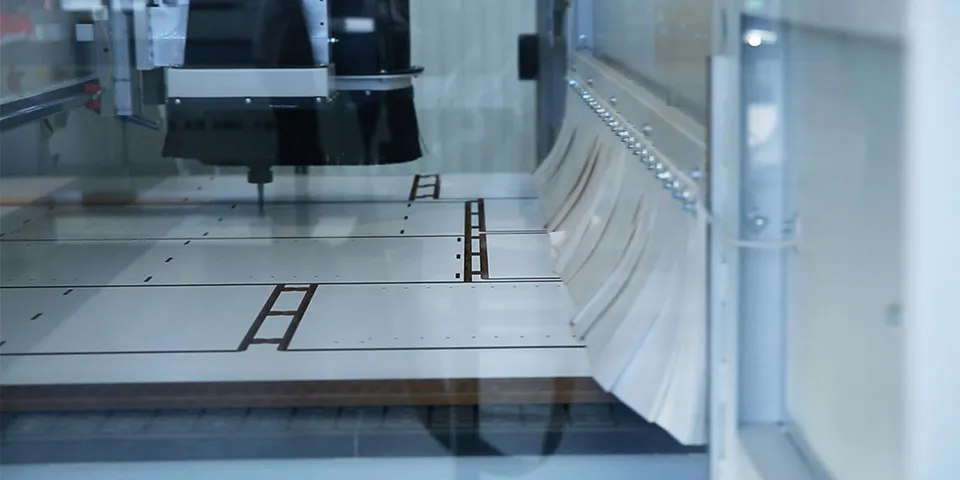
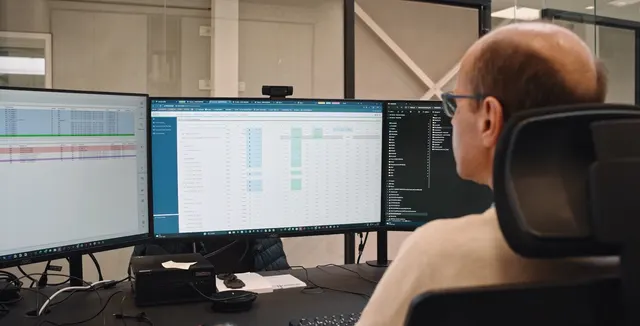
Increasing efficiency is becoming more and more important. Saving time, minimising the risk of errors and growing the business as a whole. The advent of CNC machines has created strong demand for greater efficiency. One emerging problem is the amount of time spent on work preparation when a single design has to be developed in several different programmes.
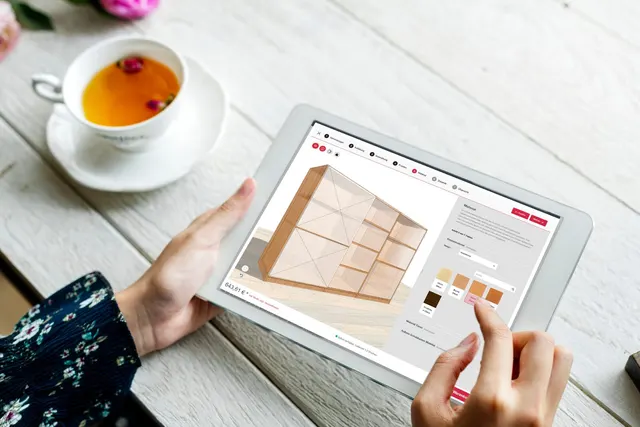
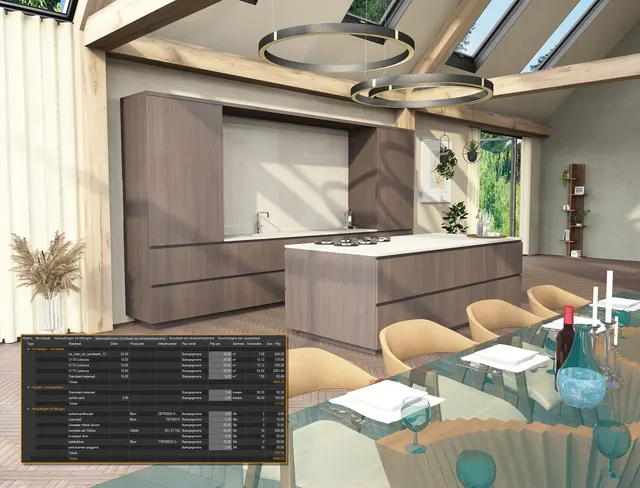
Today, a 3D visualisation is usually created to convince the customer to buy. After measuring up, if required, a 2D technical drawing is often produced showing the various views. The data are then entered manually into the panel saw, and everything has to be entered again in the CNC software. Handy macros can now speed up this process, but they do not deliver the efficiency many are looking for. The risk of errors is higher because each step is worked out separately. If an adjustment has to be made along the way, many of these steps need to be repeated.
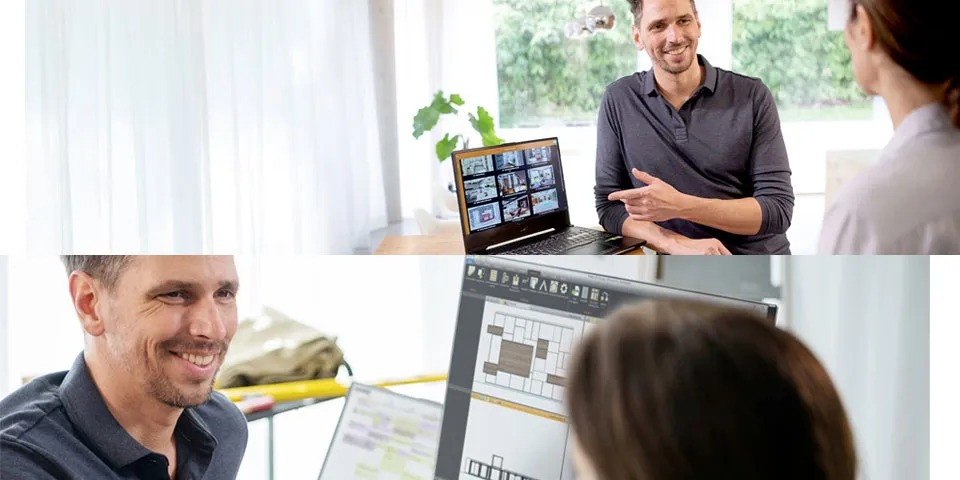
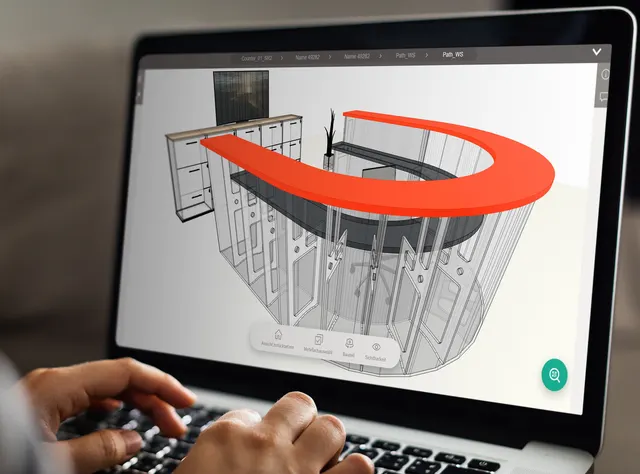
PaletteCAM, PaletteCAD’s CNC link, makes this entire process much simpler, faster and more accurate. Once a design has been drawn in PaletteCAD, all the data required for production are immediately available. All the panels and their associated machining operations are included in the drawing, and the user only needs to convert them into files that the CNC machine can read. This is where PaletteCAM saves a great deal of time.
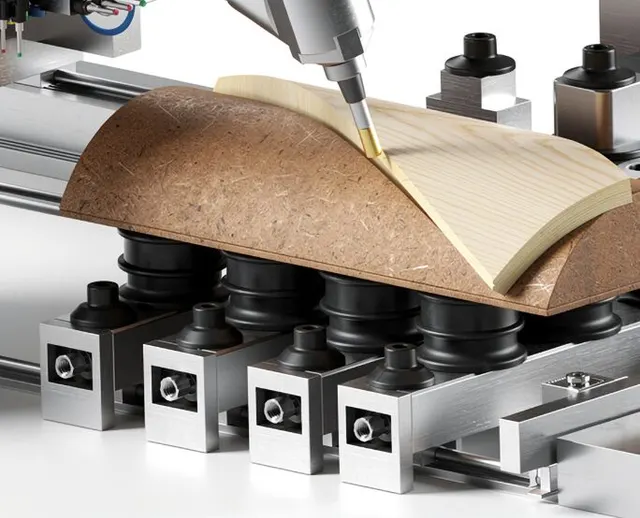
With a few mouse clicks, PaletteCAM creates all the files the CNC machine needs for production from the PaletteCAD drawing. Each panel is programmed individually, including all machining operations and the associated tools. Depending on the production method, it is also possible to create a file that can be loaded directly into the panel saw software.
Why is PaletteCAD’s CAD-CAM combination so successful?
When PaletteCAD Nederland develops a postprocessor, it is tailored to the customer. The software specialist does not use DXF files, G-code or standardised CNC exports. Every interior joinery company has its own way of working, and every machine has its own controls and tools. These variables are taken into account when the postprocessor is installed.
Several factors are crucial when generating the right CNC programme. Here are a few examples. Do you have a nesting table or a pod-and-rail table? What is the production sequence? Do you want to saw with or without an allowance, and to machine the edges on the CNC machine or not? Do you have an edgebander with or without a pre-milling unit? Which cutters and drills are fitted to the machine, and what are their specifications? How are grooves, cut-outs and mitres made? When does the panel need to be repositioned on the machine?
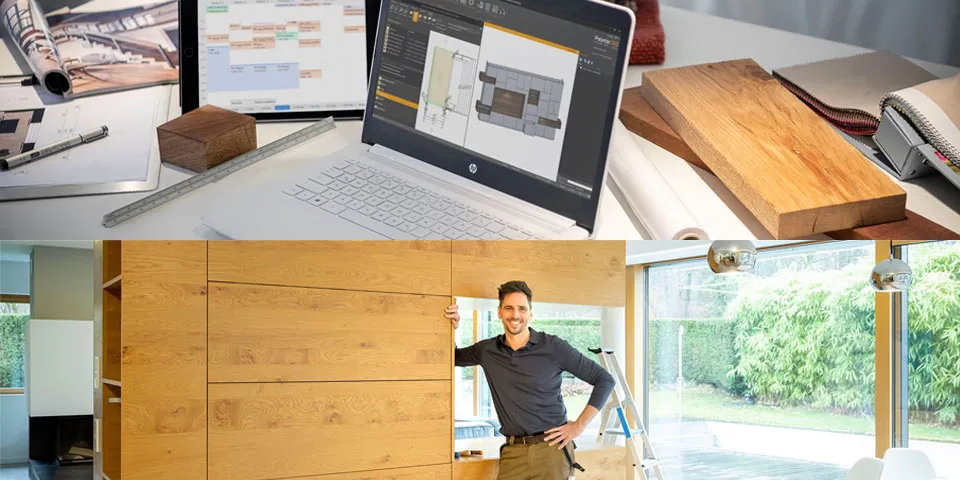
If required, PaletteCAM can also call up macros and take account of special situations, such as using different tools for specific panel thicknesses or materials. Automating CNC files in this way can save the user several hours per project. If an adjustment is needed along the way, it can be made quickly in the CAD environment, after which the updated files are ready for production again with the same few mouse clicks. PaletteCAM exports files for the most common CNC machines, including: Masterwood, Format4, Biesse, SCM, Homag, Holz-Her, IMA and Gannomat.
PaletteCAD has a special partnership with the new panel connector, FixChip. This recent invention delivers at least 40 per cent greater efficiency when used on nesting tables. FixChip makes it possible to carry out all machining operations, including those on the end of a panel, in the first clamping. No expensive aggregates are required. By leaving just 36 millimetres of clearance between panels, FixChip can save considerable time and reduce waste on a nesting table.
When used with a nesting table, PaletteCAM often has to take several CNC programmes or macros into account to enable all machining operations. An additional charge is therefore made for the extra programming work. Since FixChip cleverly addresses this issue, this operation is included in the standard postprocessor installation.
For more information, visit www.fixchip.com
Question about this story? Ask your question
Companies in this story

Keep following this
Get an email when a new story is published. No account needed.
- ThemeMore bespoke work from the workshop
- SubjectSoftware & digitalisation
- CompanyPaletteCAD Nederland